Muse Image — AI Image Model

Bring your idea into focus with Muse Image, developed by Meta Superintelligence Labs. Create from a prompt, make specific edits, and bring several references together in one image—with a model that can use tools and refine its work along the way.

Selected model

Muse Image

Add image references
Muse Image creative preview

Key Features of Muse Image

From your first idea to the last small adjustment, Muse Image gives you more ways to turn clear instructions into the image you have in mind.

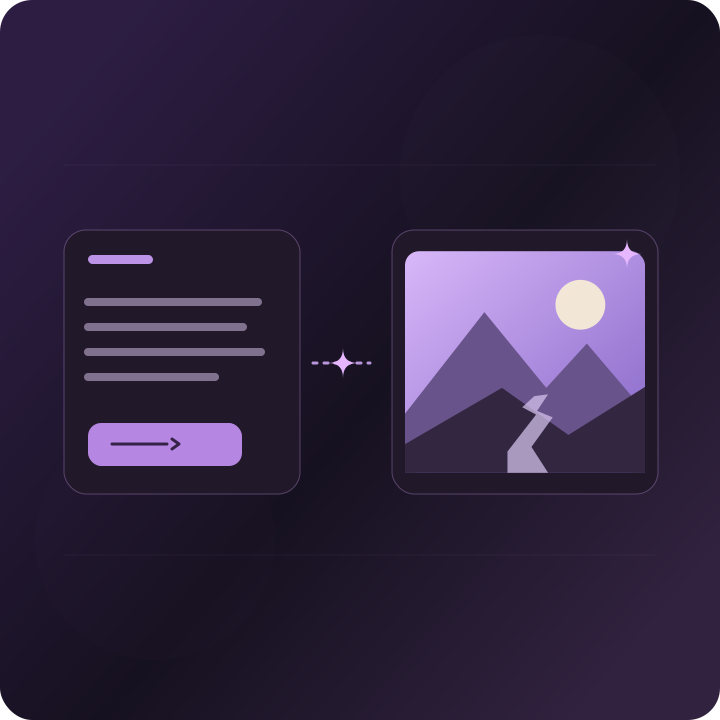
An image that follows your brief

Describe the subject, composition, colors, and mood in everyday language. Muse Image is built to follow those instructions faithfully, so you can give specific creative direction rather than settle for a loose interpretation.

Create with Muse Image
Change one detail, keep the rest

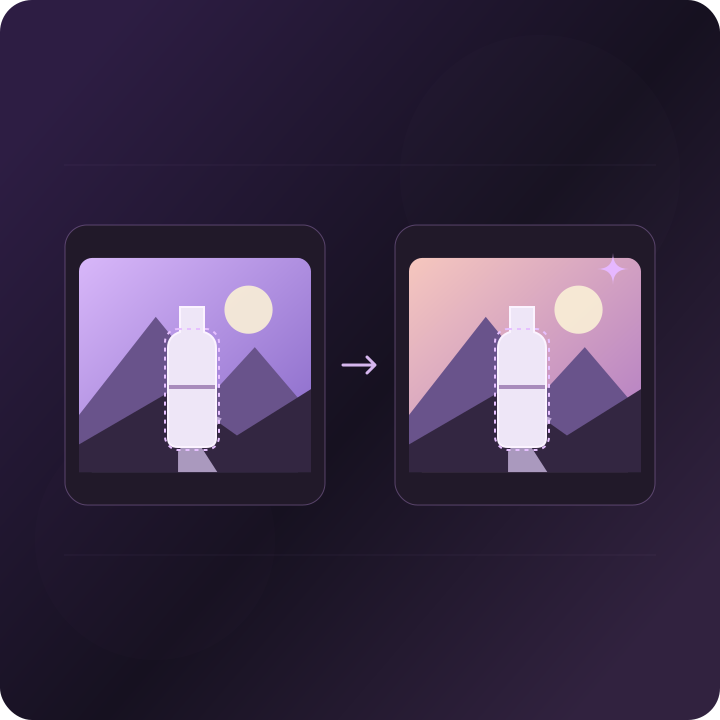
Ask for a new background, a different outfit, or a change in lighting. Muse Image can make precise edits to an existing image; tell it both what should change and which details should stay the same.

Create with Muse Image

Bring several references into one scene

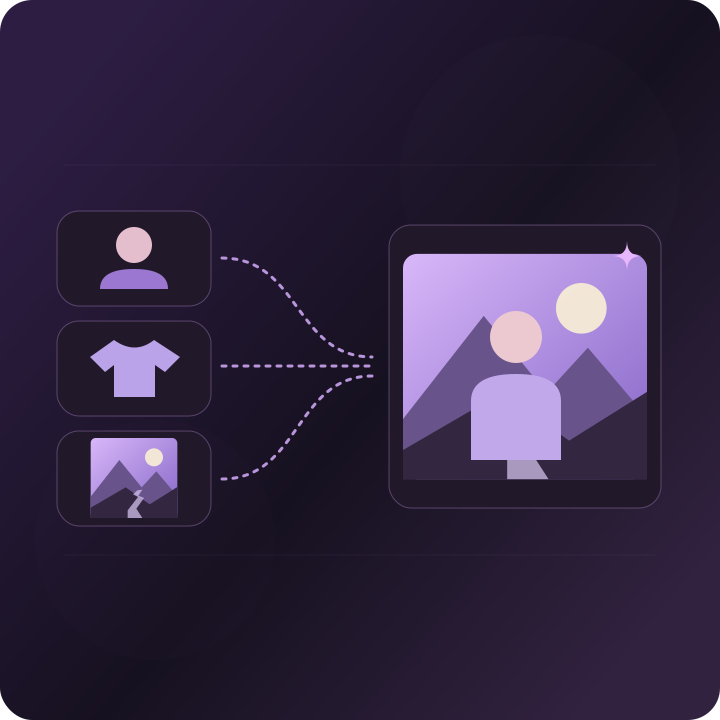
Combine a person from one image, clothing from another, and a setting or style from a third. Muse Image supports compositions from multiple references, with text and images placed together in a prompt to explain how each should be used.

Create with Muse Image

Search for the details that matter

In Meta's agentic workflow, Muse Image can search for facts and visual references before creating. This helps with subjects that depend on real-world knowledge or recent information, giving the model more context than a prompt alone.

Create with Muse Image

Use code when precision matters

Muse Image can write and run code for details such as plots and QR codes, then use the rendered results while composing an image. Its integration with Muse Spark also combines coding and image generation for GIFs, illustrated websites, and interactive visual experiences.

Create with Muse Image

Review, revise, and improve

Muse Image can evaluate its own draft and choose a useful next step: fix a small area, create a fresh version, or use a tool to resolve missing information. This self-refinement helps it work toward a better result instead of stopping at the first attempt.

Create with Muse Image

More thought for demanding images

Meta reports that giving Muse Image more inference-time computation improves quality through additional reasoning, tool use, and refinement. Deliberate thinking scales better than simply generating many options; the controls available to you depend on the product you use.

Create with Muse Image

How to Use Muse Image

Start with a clear brief, add useful references, then review the details. Three practical steps from an idea to a finished image.

Step 01

Choose Muse Image and describe your idea

Select Muse Image in the image workspace. Describe the main subject, where it appears, the framing, lighting, and style. Keep the first prompt focused on one clear result.

Step 02

Add references or choose an edit

For an edit, upload the image and name the change you want. For a composition, add the references supported by your interface and explain the role of each—person, product, outfit, background, or style.

Step 03

Generate, review, and refine

Check the composition and the details that matter to you. Request a focused revision, such as changing the background while keeping the subject. For factual images or QR codes, verify the result before sharing.

Best Use Cases for Muse Image

Use Muse Image to develop a visual idea, refresh an existing picture, or bring several creative references together.

Explore product and campaign visuals

Try a product in different settings, lighting styles, or compositions. Start from a clear reference and describe what to preserve, so you can explore a campaign direction before arranging a photo shoot.

Create with Muse Image

Build one scene from a mood board

Bring together a character, an outfit, a location, and a visual style from separate references. Explain how the pieces belong together to explore fashion concepts, character scenes, or editorial ideas.

Create with Muse Image

Make visual explanations easier to understand

Explore illustrations for lessons, presentations, and stories where details matter. Meta's search and coding workflows can help ground references or create precise chart elements; review names, numbers, and facts in the final image.

Create with Muse Image

Prototype illustrated digital experiences

Explore how images fit into a website, a simple visual game, or an animated concept. Meta describes Muse Spark and Muse Image working together on these tasks, combining planning, code, and media generation in one workflow.

Create with Muse Image

Frequently Asked Questions

Muse Image is an image generation model developed by Meta Superintelligence Labs. It follows written instructions, edits existing images, and composes scenes from multiple references. Meta also describes it as an agent that can use tools and refine its own work.

Bring Your Next Idea to Life with Muse Image

Start with a clear prompt, add your references, and refine the details that make the image yours.

Open Muse Image Workspace